Your Website Is a Storefront, Not a Storage Unit
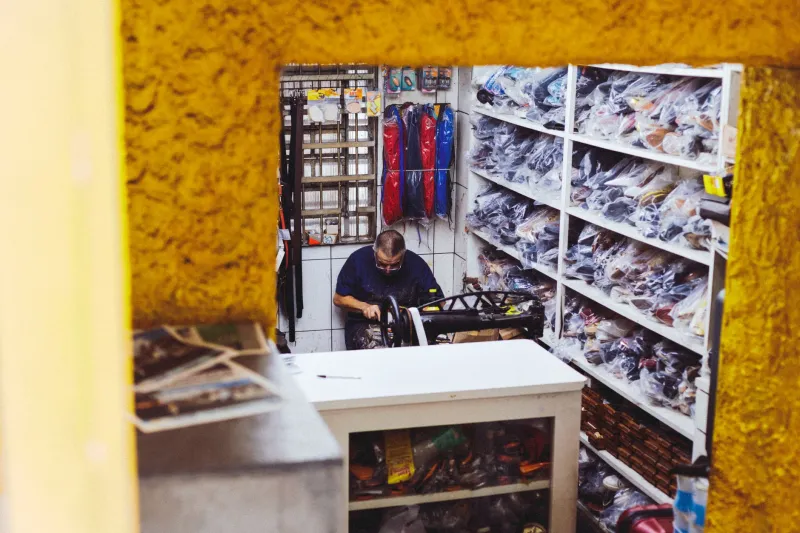
Imagine a retail shop where the owner keeps pallets of old inventory stacked in the aisles, a filing cabinet blocking the entrance, and a TV in the window playing home videos at full volume. You'd assume the place was going out of business. Yet that's exactly what thousands of small business websites look like on the inside — and the owners rarely know it.
We call the fix "digital zoning": deciding what belongs on your public-facing site and what belongs somewhere else entirely. Get it right, and your site gets faster, safer, and easier to find. Get it wrong, and you're paying for the privilege of slowing yourself down.
What Belongs on the Front Lot
Your website's public pages are prime commercial real estate. Every square inch should be doing customer-facing work:
- Clear service pages. One page per service, written for the customer, not for you. A plumber's site needs a page about water heater repair — not a 2,000-word essay on the history of the family business on the homepage.
- Fresh testimonials and reviews. Social proof from the last twelve months beats a glowing quote from 2014. Old testimonials read like a restaurant still advertising a dish it stopped serving.
- Current hours, locations, and contact info. Sounds obvious. Check yours right now — we'll wait. Somewhere right now, a customer is driving to an address you moved out of two years ago.
- Recent photos and updates. A gallery from last quarter's project signals a business that's alive. A gallery from the last presidential administration signals the opposite.
If a piece of content helps a visitor trust you, contact you, or buy from you, it earns its spot on the lot.
What Needs to Move to the Warehouse
Then there's everything else — the stuff that doesn't help customers but somehow ends up living on your web server anyway:
- Huge video files. Uploading a 300-megabyte video to your website is like parking a semi truck in your shop's driveway. Host videos on YouTube, Vimeo, or a dedicated video platform and embed them. Your pages load instantly; the video still plays beautifully.
- Customer databases and records. Storing customer lists, invoices, or personal information on your web server is a liability magnet. If your site gets breached — and small sites get breached constantly — that data turns a nuisance into a reportable incident. Keep records in proper business software, not on your public-facing lot.
- Old backups and zip files. We find "site-backup-final-FINAL-2021.zip" files on client servers more often than you'd think. Backups belong in cloud storage or your developer's archive, not taking up space on a live server where they can be downloaded by strangers.
- Abandoned plugins and themes. Every deactivated plugin still sitting in your WordPress install is a door that a hacker can try to open. Delete what you're not using.
How Clutter Quietly Costs You
Poor digital zoning doesn't announce itself. It leaks.
Speed: Google's research has shown for years that visitors abandon slow pages within seconds. Every oversized file you store on your site adds weight, and weight costs you customers who never even see your homepage finish loading.
Security: Old files, forgotten uploads, and dormant plugins are the hiding places hackers love most. A cluttered site is a site with more doors to lock — or more doors to leave unlocked.
Search rankings: Search engines reward sites that are fast, current, and easy to crawl. A site stuffed with duplicate pages, stale content, and bloated media tells Google there's not much here worth ranking.
The Quarterly Cleanup Checklist
Put a recurring reminder on your calendar, and once a quarter, walk your digital lot:
- Test your contact info. Call your own phone number. Email your own form.
- Check your media library. Delete unused images, old PDFs, and duplicate uploads.
- Audit your plugins and themes. Deactivate, then delete, anything you haven't used in six months.
- Read your homepage like a stranger. Would you know what this business does and how to hire it within ten seconds?
- Ask your host or maintainer where your backups live. The answer should never be "on the website."
Your website should feel like a well-kept storefront — clean windows, clear signage, nothing blocking the door. Everything else belongs in the warehouse, where it can do its job without getting in your customers' way.